- Activate your parent account using the email you used to set up your animal Jam account. When you first sign up for Animal Jam, they send you an email with the option to activate a parent account. Click the link and it will bring you to this page.
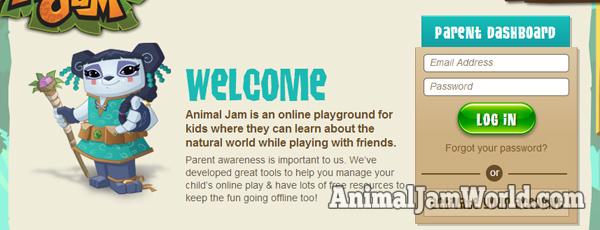
- After you choose a password and click “continue”, you’ll get to this page. Enter your email address and password here then click “log in”.
- Once you log in, you’ll see the Parent Dashboard page. Here you will see an overview of your account. In the middle, you’ll see the chat options. The default setting is “Restricted Chat”. In order to get free chat, you’ll want to change the settings to “Safe Chat”.
- That’s it! Now you have free chat! Your messages will no longer be limited by the pre-approved list. Just remember, curse words and other bad words are still not allowed.


Hopefully this guide will help you unlock free chat on Animal Jam, no more annoying restrictions! If you have any questions, just post in the comments and I’ll do my best to help. Thanks Bluebird for the idea to make this post!

No comments:
Post a Comment